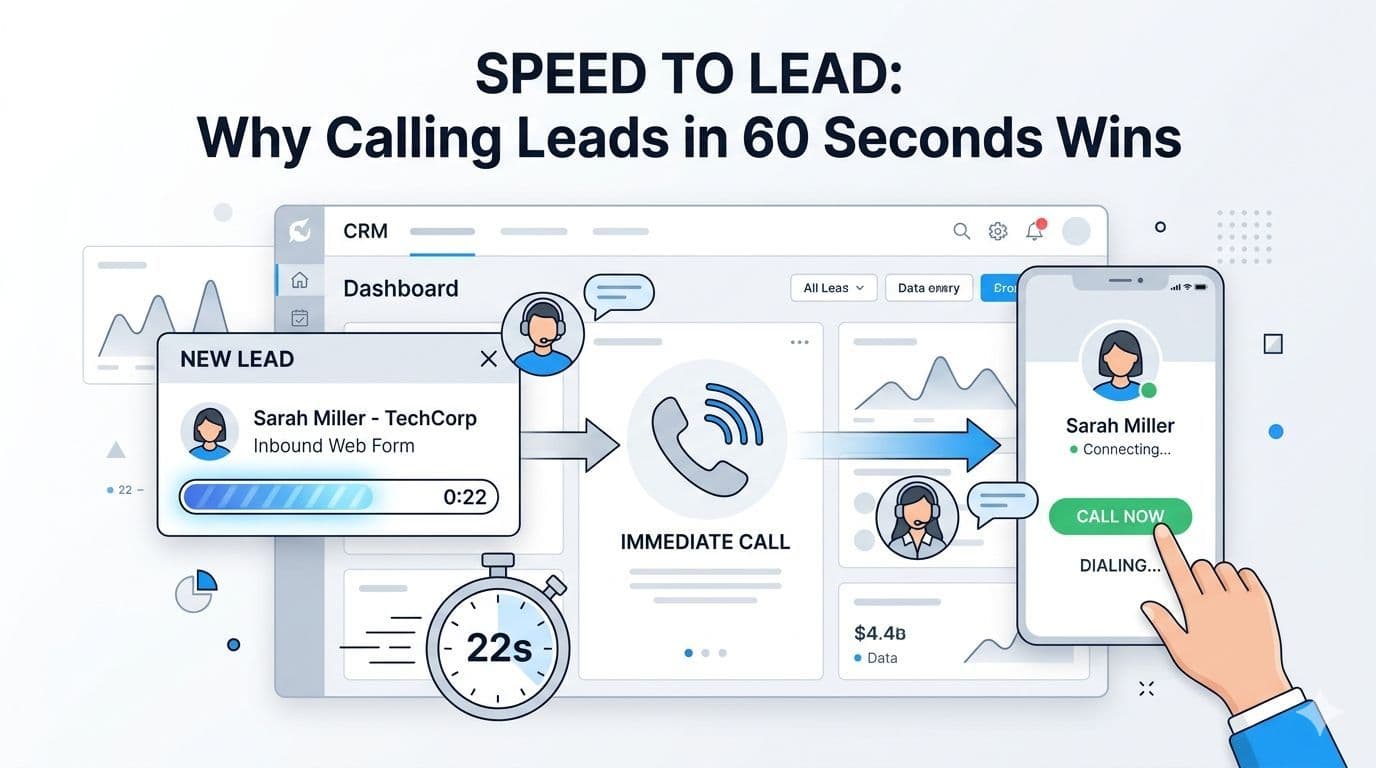
What "speed to lead" actually measures
Speed to lead is the time between a prospect submitting an enquiry (DM, WhatsApp message, ad form, contact form, missed call) and a meaningful response from your side. "Meaningful" is doing work here. An auto-responder that says "we will get back to you" is not a meaningful response. A reply that asks the next-best qualifying question is.
There are three thresholds worth memorising:
| Time to first meaningful response | What happens |
|---|
| Under 60 seconds | Prospect engages, qualification starts, booking probability holds |
| 1 to 5 minutes | Decent but degrading; prospect's attention is already shifting |
| 5 to 30 minutes | Prospect has DMed at least one competitor |
| Over 30 minutes | You are now playing follow-up against silence |
| Over 24 hours | Effectively cold |
The shape of that curve is older than most automation tools. The original Lead Response Management Study found that the odds of qualifying a lead drop by orders of magnitude after the first five minutes, and the odds of a successful contact drop nearly as fast. That study is from 2007 and the curve has only gotten steeper since then because buyers have more competitors one tab away.
Why one minute, specifically
A lot of teams hit "under 10 minutes" and call it a day. The 60-second target is not arbitrary. It is the threshold below which the prospect is still in the same emotional state they were when they hit send. Above 60 seconds, attention has drifted. They have refreshed Instagram, tabbed to WhatsApp, looked at a competitor.
If the first response arrives while the prospect is still looking at your profile or page, three good things happen:
- Engagement is immediate. They reply because they are already in the conversation context.
- Competitor exposure is limited. They have not yet messaged the other three vendors on their saved list.
- You set the pace. Subsequent replies are expected within minutes, not hours. The prospect calibrates to your speed.
Above 60 seconds, all three reverse. The prospect cools, competitors get a turn, and your team is now playing follow-up.
"First reply" is not the same as "first qualified reply"
This is where most automated systems lose. They optimise for first-reply latency and ignore the next step. A typical chatbot reply looks like this:
Hi! Thanks for reaching out. One of our team members will get back to you shortly.
That is a fast reply. It is also useless. The prospect does not feel served; they feel queued. The metric you actually care about is time to first qualifying question.
A useful first reply for an event company looks like this:
Hi Priya, sure, what date are you looking at?
Sub-60-second delivery, structured field extraction starts on message one, and the prospect feels like they are in a conversation. By the time the team picks up the thread, the date, headcount, and venue type are already captured.
The architecture for hitting that is the same as the architecture for hitting first-reply latency. The difference is intent.
The 60-second response architecture
Hitting sub-60 seconds reliably is an engineering problem, not a willpower problem. Asking your team to "be faster" does not scale. The architecture has four parts.
Part 1: Direct webhook on the platform
For every inbound channel, a webhook fires the instant a message arrives. Instagram DMs and comments go through the Instagram Graph API and Meta's Messenger Platform webhook. WhatsApp inbound goes through the WhatsApp Business Cloud API inbound webhook. Ad forms go through the Lead Ads webhook. Missed calls trigger a callback webhook from your phone system.
The total budget from "prospect hits send" to "webhook delivered to your server" is usually under 2 seconds. The rest of the budget is yours.
Part 2: A qualifier that opens with a question
The qualifier is a small language-model-powered conversational layer that reads the inbound, decides what is missing, and replies with one structured question. It does not chain together five questions in one message. It asks one thing. Average response generation time is under 5 seconds.
Part 3: An idempotent send
Replying back uses the channel's outbound API. For Instagram and WhatsApp this is the Send API and Cloud API messages endpoint. Sends are idempotent with a generated message ID so retries on transient errors do not produce duplicates. Sub-3-second send.
Part 4: A monitoring loop that catches stalls
The monitoring loop watches the time series of "first reply latency" and alerts when p95 exceeds 5 seconds. The actual SLO we run against is p95 under 5 seconds. p50 is usually under 2. The alert fires before a customer notices, not after.
Total budget for a sub-60-second first qualified reply: roughly 10 seconds in the typical case, 30 seconds in the worst case during a spike. The 60-second target is comfortable, not heroic.
Why human-only teams cannot hold this threshold
This is the part that makes founders uncomfortable. We have run the math on dozens of inbound-heavy SMBs and the answer is the same: an unaided team cannot maintain sub-60-second response time across a real working week. Not for lack of effort. The math does not work.
| Scenario | Realistic first-reply time |
|---|
| Single owner-operator, low volume, alert tones on | 30 seconds to 5 minutes |
| Single owner-operator, medium volume, in meetings sometimes | 5 to 30 minutes |
| 2-person team, business hours only | 5 to 15 minutes during business hours, hours outside |
| Saturday afternoon, team at a venue, 40 DMs in 2 hours | 30 minutes to 2 days |
| Sunday evening, no on-call | Until Monday morning |
The point is not that humans are bad. It is that you cannot ask a team to be a real-time message router and expect them to also do the qualifying, the closing, and the follow-up. The router has to be infrastructure, not a person.
The Instagram-to-WhatsApp speed-to-lead path
Speed-to-lead changes shape depending on the channel. For Instagram-to-WhatsApp inbound (the most common shape for an event company), the path looks like this:
- Instagram DM lands (t=0)
- Webhook fires (t+1s)
- Qualifier generates first question (t+5s)
- Reply sent via IG Send API (t+8s)
- Prospect replies with date (t+45s if they are still in the app)
- Three more turns of qualification (next 90 seconds)
- Closer-ready label flips, WhatsApp handoff template fires (t+3min)
- Prospect taps WhatsApp button, closer thread opens with full context (t+3min to t+10min, depending on when the prospect taps)
- Closer says hello in WhatsApp (t+15min)
End to end, a qualified prospect is in front of a closer in under 15 minutes from a DM landing. That is the metric most event companies care about: not first-reply latency in isolation, but time-to-closer.
Without the system, the same path takes anywhere from 30 minutes (best case, business hours, owner watching the inbox) to 30 hours (typical, weekend spike). Speed to lead is one part of that; the full Instagram OS architecture is the rest. The two metrics together are what change the booking rate.
What about voice and missed calls
Speed to lead applies to inbound calls too. Missed calls are inbound messages with a phone number attached, and the same response curve applies. The architecture is slightly different: a webhook from your phone system (Twilio, Plivo, or a SIP provider) triggers a callback within 60 seconds, either via an AI voice agent or by ringing the closer's mobile.
We have a longer setup guide on AI voice agents for lead qualification which covers the GoHighLevel side specifically. The principle is the same: do not let the missed call sit in a list. Treat it as a message that arrived at second one.
What this is not
- It is not a chatbot pitch. Chatbots improve first-reply latency. They do not by themselves improve time-to-closer, which is the metric that pays the bills.
- It is not a "respond in 5 minutes" guideline. Five minutes is too slow now. The threshold has moved.
- It is not a feature you bolt on. The webhook, qualifier, send, and monitoring loop are one system.
FAQ
Is 60 seconds always the right threshold? For Instagram DMs, WhatsApp inbound, and ad-form leads, yes. For website contact forms and email enquiries the prospect's attention budget is slightly longer (3 to 5 minutes is acceptable), but tighter is always better.
Will the prospect feel they are talking to a bot? If you write the qualifier well, no. The pattern is "one question per turn, plain language, no over-formal greetings". Real prospect quote we have seen many times: "wait, you guys actually answered, most places don't".
Will Meta or Instagram throttle me? The throttle limits on the Instagram Graph API are far above typical inbound volume. The risk is bursts of unsolicited DMs (we do not do that) and inappropriate first-reply content (the qualifier writes inside Meta's content policy). We have not had a client account throttled for inbound.
Does this apply to B2B sales? Yes, with a longer threshold. B2B prospects often submit a contact form during business hours and expect a same-business-day reply. The 60-second target still wins; the curve is just flatter. See lead response time for B2B sales for the B2B-specific shape.
What about international inbound? The math is the same regardless of country. The only adjustment is business hours coverage if your team is single-timezone and your inbound is global. Either set the qualifier to fully handle off-hours (it can) or accept slower first-reply latency on the off-hours leg.
The bottom line
Speed to lead is the single highest-leverage variable in inbound conversion, and the threshold is far tighter than most teams think. Under 60 seconds, you win the call. Between 5 and 30 minutes, you fight for it. Past an hour, you are usually just doing follow-up theatre. The win is engineering, not willpower: a webhook on the platform, a qualifier that opens with a question, an idempotent send, and a monitoring loop that catches stalls before customers notice.
- Speed to lead is not "respond fast"; it is "be in the conversation within 60 seconds".
- "First reply" and "first qualifying reply" are different metrics. Aim at the second.
- Sub-60-second response is an engineering problem (webhook + qualifier + send + monitor), not a willpower problem.
- The metric that pays the bills is time-to-closer, not first-reply latency in isolation.
- Human-only teams cannot hold the threshold during inbound spikes. The router has to be infrastructure.
If your time-to-closer is measured in hours instead of minutes, the next step is a 7-day production pilot on one campaign. We install the response architecture, you watch the numbers, you decide.