
Why Demo Requests Don’t Convert
Discover why demo requests often fail to convert.
A VP of Sales at a mid-market SaaS company opens the CRM on Monday morning and sees what looks like a healthy week ahead.
Twelve demo requests came in over the weekend.
Traffic is working. Paid search is working. The product page is doing its job.
But by Friday, only two of those requests turned into actual meetings.
A few leads never replied. A few opened an email and disappeared. One prospect booked with a competitor. Several just went silent.
This is usually where teams start blaming lead quality, form quality, ad targeting, or messaging.
But in many cases, the real answer to Why Demo Requests Don’t Convert is much simpler.
The follow-up happened too late after the demo request was submitted.
Not bad follow-up.
Not the wrong channel.
Not even necessarily the wrong rep.
Just delayed follow-up.
That delay is enough to break the momentum that made the demo request happen in the first place.
The real problem starts after the form submission
A demo request is not a passive inquiry. It is a time-sensitive buying signal.
Someone clicked through to your site, evaluated enough of your product to want a live conversation, and filled out a form. That is a high-intent moment.
The mistake many teams make is treating that moment like a task to work later instead of a conversation to start now.
Once the form is submitted, the clock starts immediately.
If the follow-up is delayed by 30 minutes, 2 hours, or until the next business day, the lead is no longer in the same mindset they were in when they asked for the demo.
That is the specific issue.
Delayed follow-up after demo request submission creates a gap between intent and engagement. And that gap is where conversion disappears.
Why Demo Requests Don’t Convert when follow-up is delayed
The most important thing to understand is this: demo intent has a very short half-life.
A person requesting a demo is usually in an active evaluation window. They are comparing tools, reviewing pricing, sharing options internally, and trying to make progress.
When no one follows up quickly, three things happen in sequence.
First, context fades
The lead remembers they filled out the form, but the urgency behind it starts to weaken. What felt like a priority at 10:12 a.m. feels less urgent by 2:45 p.m. and much less urgent the next day.
Second, momentum breaks
The action of requesting a demo creates forward motion. A delayed reply interrupts that motion. Instead of moving deeper into your funnel, the buyer returns to research mode, gets pulled into other work, or postpones the decision entirely.
Third, the demo request becomes administrative instead of conversational
By the time a rep responds hours later with a calendar link or a generic email, the prospect is no longer in a live decision moment. They are now being asked to restart a process they already tried to begin.
That is why delayed follow-up is so damaging. It does not just slow sales down. It forces the buyer to re-engage from scratch.
A demo request is not a lead record. It is a moment. If you follow up late, you are not continuing the moment. You are trying to recreate it.
What delayed follow-up looks like in real teams
Most companies do not ignore demo requests on purpose.
The delay usually comes from an ordinary workflow that looks harmless on paper.
- A prospect submits the demo form.
- The CRM captures the lead.
- A notification goes to a shared inbox or Slack channel.
- Someone is in a meeting.
- The form gets reviewed later.
- The lead gets assigned.
- A rep sends an email when they have time.
Nothing in that process feels catastrophic.
But for a demo request, every handoff adds friction at exactly the wrong moment.
This is especially common for B2B SaaS teams with smaller inbound teams. Demo requests often arrive during lunch, after hours, between meetings, or while reps are working active opportunities. So the company technically responds, but not within the window when the buyer was ready.
If your team wants to understand this issue more broadly, it helps to look at what a good lead response time for sales teams actually looks like and how quickly that window closes.
The mechanism behind the drop-off
Delayed follow-up hurts demo conversion because demo requests are tied to immediate buying behavior.
Unlike a top-of-funnel content download, a demo request usually happens near a decision point.
The prospect is trying to answer live questions such as:
- Is this worth evaluating?
- Can this solve my specific problem?
- Is it in budget?
- How quickly can we implement it?
- Should I bring this to my team?
Those questions are emotionally and commercially active right after submission.
But they cool fast.
If the business follows up later, the buyer has often moved from active evaluation to passive delay. They may still be interested, but they are no longer engaged enough to take the next step immediately.
Leads do not always disappear because they chose another vendor right away. Often they disappear because your delayed follow-up gave them time to deprioritize the project.
Your CRM may label it as no response.
In reality, it was lost in the gap after the demo request.
The business impact of delayed demo follow-up
When demo requests do not convert, most teams feel the pain in meeting volume.
But the deeper damage shows up across the pipeline.
First, your marketing efficiency drops
You paid to generate that demand. Delayed follow-up lowers the return on that spend.
Second, forecasting gets distorted
Sales leaders start questioning lead quality when the real issue is response execution.
Third, pipeline creation becomes inconsistent
Inbound appears volatile when it is actually leaking in the first hour after submission.
That is why companies should also look at how lead response time impacts conversion rates.
Why buyers react differently to demo requests than other forms
A contact form can tolerate some delay.
A newsletter signup can tolerate a lot of delay.
A demo request usually cannot.
When someone asks for a demo, they are saying:
“I want to talk now that I am paying attention.”
This is also part of why inbound leads go cold.
Delayed follow-up turns a hand-raiser into a reactivation campaign.
And reactivation always converts worse than immediate engagement.
Signs your demo requests are dying from delay
You may have this issue if:
- demo form volume looks healthy but booking rate is weak
- reps say leads are "unresponsive"
- many requests get emails but few conversations
- Monday demo requests convert worse
- after-hours submissions rarely convert
These patterns usually point to one issue: slow follow-up.
How to fix delayed follow-up after demo request submission
1. Treat demo requests as immediate-response events
They need their own workflow and urgency.
2. Make the first touch happen automatically
- instant SMS acknowledgment
- immediate call
- confirmation email
- live scheduling
3. Reduce handoffs before contact
Engage first. Organize later.
4. Build around the first five minutes
That is the highest-value window.
How automation and AI solve this exact conversion problem
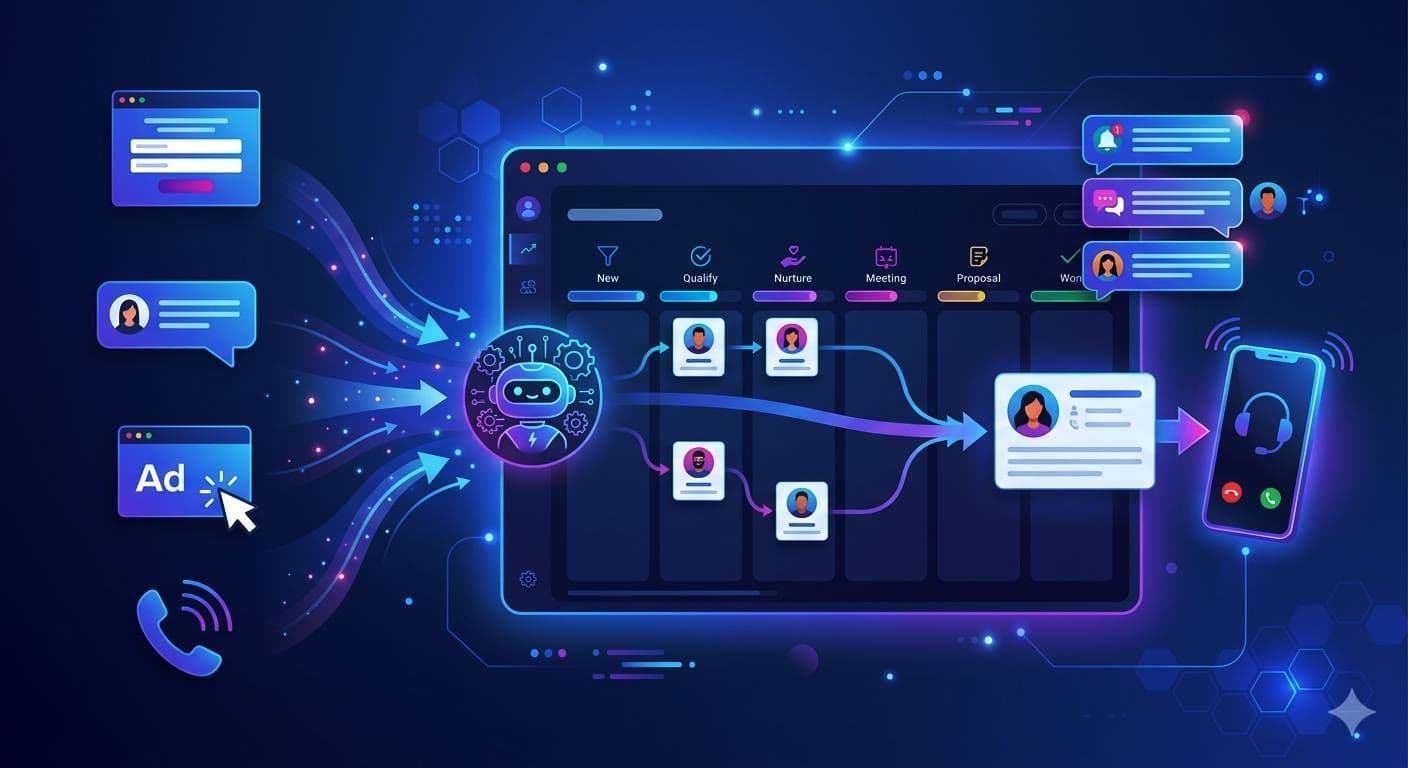
Automation removes waiting time from the first touch.
It can:
- respond instantly
- call immediately
- qualify leads
- route intelligently
- book meetings
This closes the gap between request and response.
It is not just speed.
It is continuity.
The buyer asks for a demo, and the business responds while the buyer still wants one.
Key takeaways
- demo requests are high-intent but short-lived
- delayed follow-up is the main conversion killer
- most losses happen right after submission
- intent fades faster than teams expect
- faster response increases meetings without more leads
- automation protects demand
FAQ
1. Why do demo requests go cold so quickly?
Because demo intent fades fast if follow-up is delayed.
2. How fast should a company follow up?
Within minutes, not hours.
3. Can automation improve conversion?
Yes. It removes delay and preserves buyer intent.
Next step
Let's Fix Your Lead Response in 30 Minutes
We'll walk through your current lead flow, identify where leads are slowing down or getting missed, and show you exactly what can be automated to increase speed, conversations, and bookings.
Where it works
View all use cases